How to publish your listing
From /aplicar through submit-for-review and payment. Nothing is public until the team publishes it.
Going live is two steps. First you create the account at /aplicar (English: /en/apply). Then you land in the portal (/portal) and build the listing: copy, services, photos, and ID. Nothing appears on Google or the board until the team reviews it and publishes it.
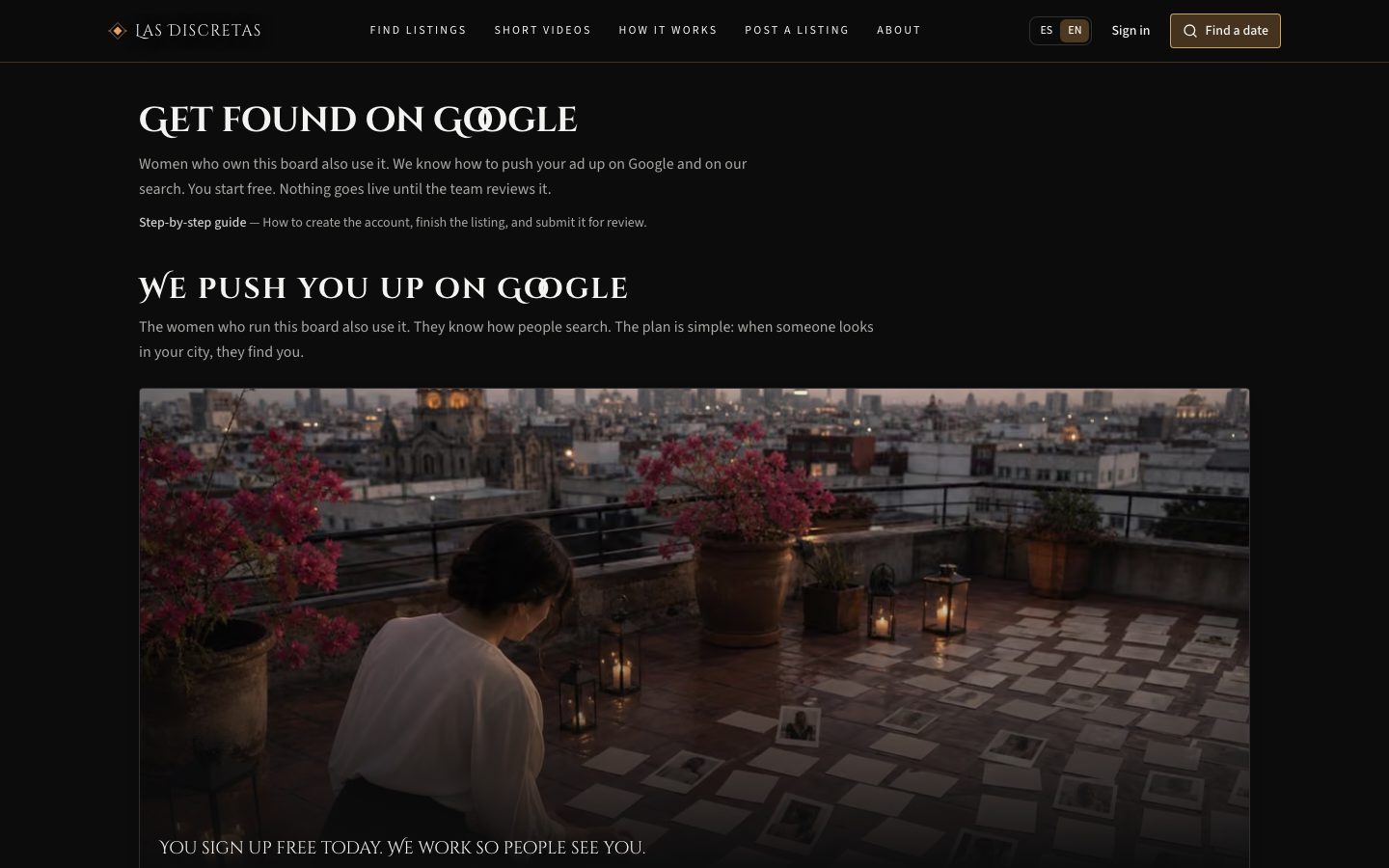
You start on Free. Silver, Gold, and Diamond are requested later, under Subscription. If we wrote you on WhatsApp (CRM) or sent a sample, city and phone may already be filled in — check them and create the account.
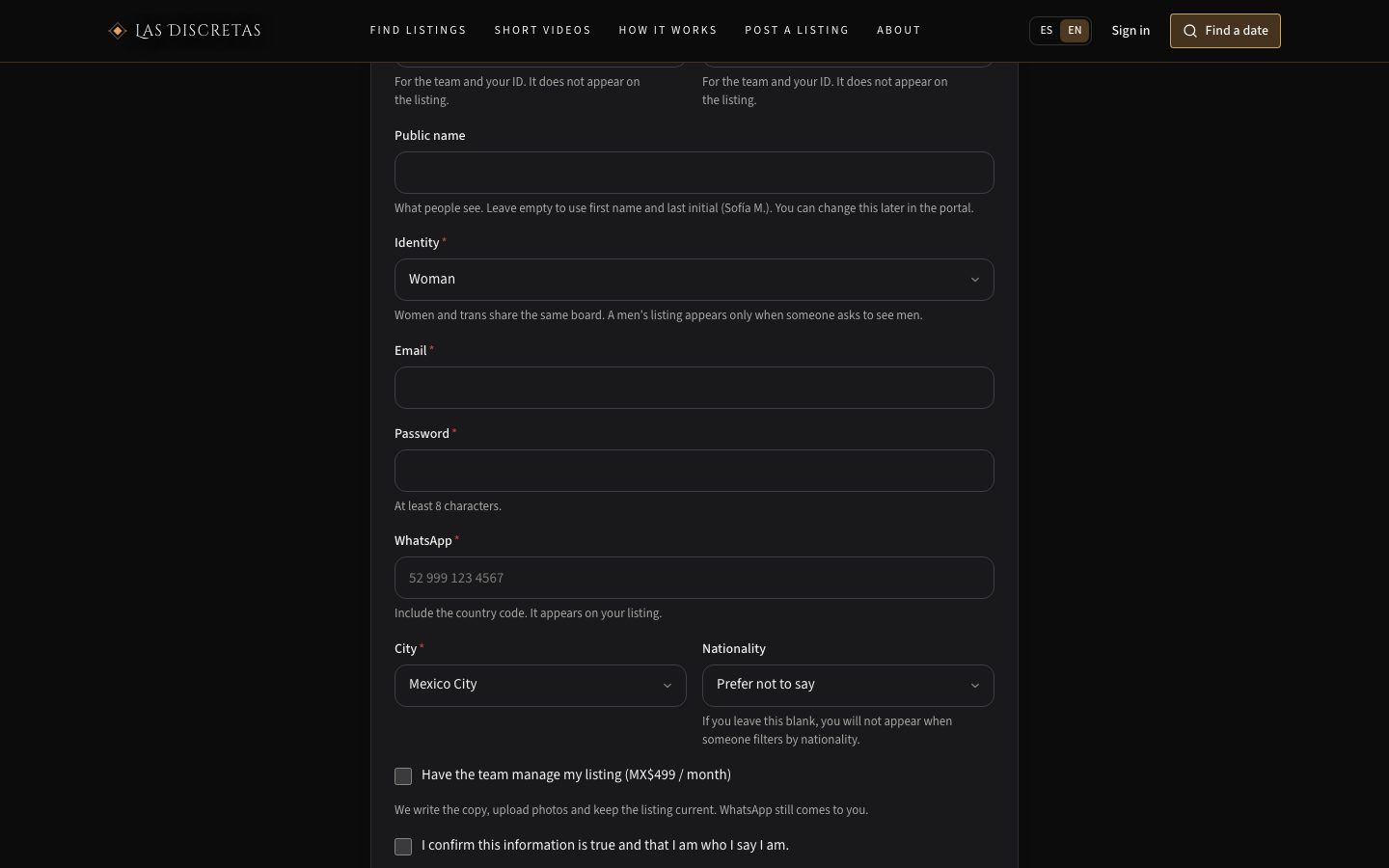
Steps
- Open /aplicar and scroll to “Your details” (or tap a plan: it jumps to the form).
- First name and last name: for the team and your ID. They do not appear on the listing.
- Public name: optional. If you leave it empty, we use first name and last initial (Sofía M.). You can change this later under Profile.
- Identity: woman, trans, man, or “prefer not to say”. Women and trans appear on the same board; a men’s listing only shows when someone asks to see men.
- Email and password (at least 8 characters). That email is how you sign in to the portal.
- WhatsApp with country code (e.g. 52 999 123 4567). That is the number on the listing.
- City. Nationality is optional: if you skip it, you will not appear when someone filters by nationality.
- Optional: “Have the team manage my listing” (monthly fee). We write copy and upload photos; WhatsApp still arrives on your phone.
- Confirm the information is true, that you are 18 or older, and accept the legal notice.
- Click “Submit application”. If that email already exists, sign in to the portal instead of registering again.
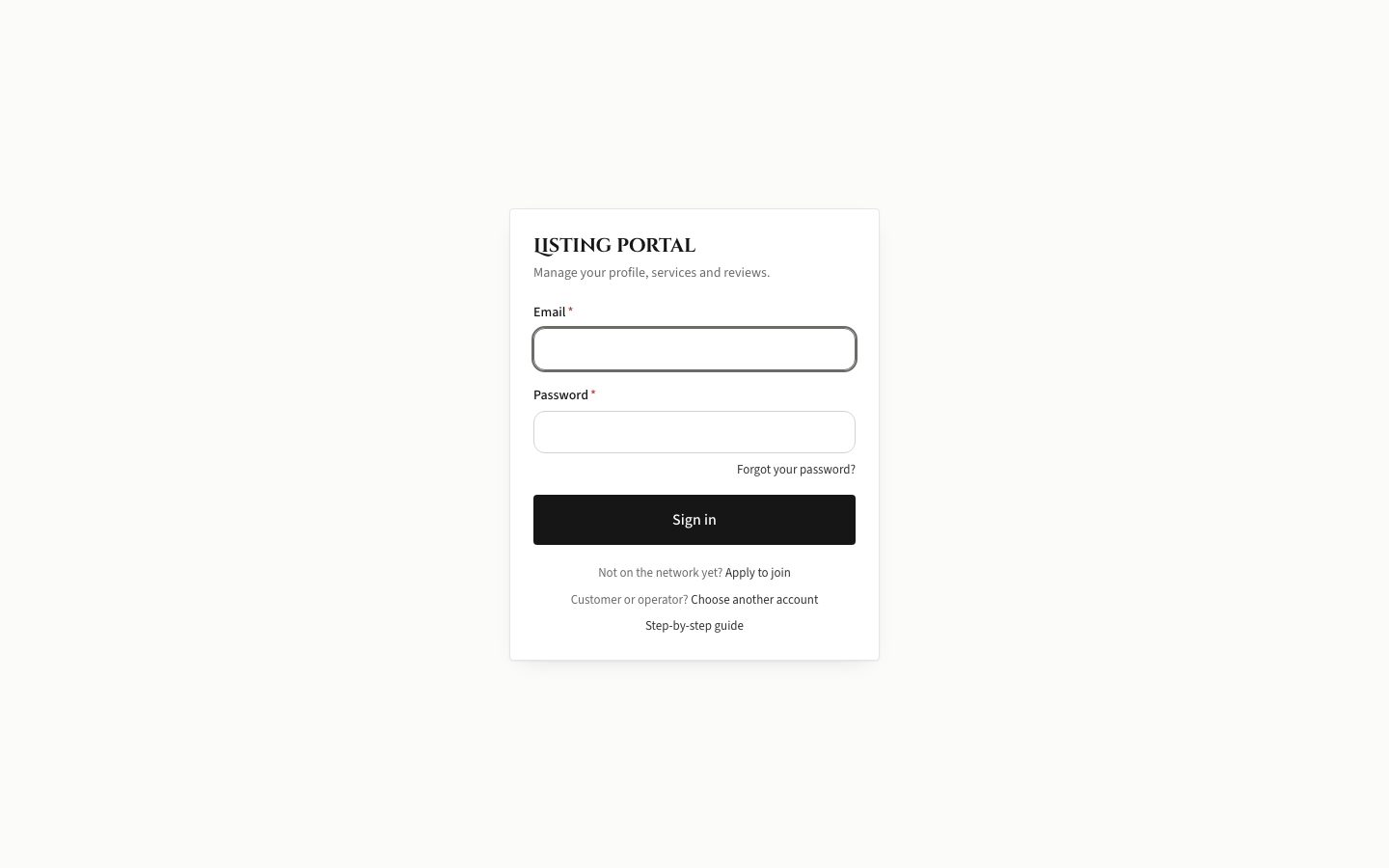
After you submit, you are already in the portal (/portal), in draft, on the Free plan. Next time, sign in at /portal/entrar with the same email. “Forgot password” is on that screen.
Portal menu: Overview, Mail, Profile, Services, Hours, Photos and videos, Documents, Reviews, Subscription, Settings. Portal language is under Settings; it does not change the public listing.
On Overview, “Before you publish” asks for four things: a bio, at least one service, at least one photo, and an ID. “Submit for review” refuses if a service, photo, or ID is missing. The bio does not block submit, but the team will not publish an empty listing — write it. Hours are not on that list: they power the “available today” badge; they are not printed on the listing.
Steps
- Profile → Public name: the name on the listing. It does not have to match the INE.
- Headline: one line under the name (optional).
- About you (Spanish): how you work and what someone who writes you can expect. About you (English) is optional, useful in tourist areas.
- Nationality, identity, travel radius (only if you go to the client), languages.
- Where you meet: apartment, hotel, motel, studio, office — tick what you actually offer. The team needs at least one mode before they can publish.
- Phone / WhatsApp with country code. Instagram, Telegram, X, Facebook, and website are optional; they appear on the listing if you fill them in.
- City and verification badges are managed by the team. Write them in Mail if the city needs to change.
- Save. Copy updates immediately; new photos do not — those go through review.
Steps
- Services → Add. Pick a catalog type or “Custom” (then the title is required).
- Duration in minutes: optional. Price in MXN: optional. If you leave price empty, the profile shows “Ask”.
- Includes: tick several types if this is a package.
- Leave “Visible on my profile” on. You need at least one active service to submit for review.
- The lowest published price is the “From” on your search card. Offers with no price do not enter that “From”.
Hours: tick the days and set start and end. Not required to submit for review. With no hours, the available-today badge does not show.
Steps
- Photos and videos: JPG, PNG, or WebP. Max 8 MB per photo. The listing frame is vertical 3:4 (for example 1200×1600); landscape or square photos get dark bands.
- If iPhone sends HEIC, use Settings → Camera → Formats → Most Compatible, or save as JPG.
- Free includes 4 photos and 0 videos. Silver 10 photos and 2 videos; Gold 20 and 6; Diamond 30 and 10. Videos, 60 MB.
- Files get a light Las Discretas watermark. Use “Set as primary photo” on the one that should show first in search.
- Until the team approves it, a photo does not appear on the public listing. Without at least one photo, you cannot submit for review.
Steps
- Documents: upload a PDF, JPG, or PNG of your INE, passport, driver’s license, or residency (temporary or permanent).
- Max 8 files, 10 MB each. Pick the right type when you upload.
- Without an ID from that list you cannot submit the listing for review. The public never sees it.
Steps
- Go back to Overview. When bio, service, photo, and ID are there, click “Submit for review”.
- The listing moves to “In review”. The team reads it by hand, usually within two or three working days.
- If something is missing, they write in Mail (the portal inbox, not WhatsApp). Status becomes “Needs information”. Finish, reply, and submit again.
- “Approved” is still not public. The team publishes in a last step. Then the status is “Published” and the listing appears in search.
Steps
- Subscription: you start on Free. Requesting Silver or Gold opens payment; the team turns the plan on when they confirm the charge.
- Coupon: NUEVA50 (50% off Silver/Gold for 3 months) or FUNDADORA (Gold 100% for 3 months, first 200 with a live listing). One redemption per account. Diamond is not included.
- Pay: if there is a link (Mercado Pago / Clip / etc.), tap Pay for the amount you see. If checkout asks for a reference, use the unique concept on that screen. If there is no link, transfer to the CLABE with that concept and upload the receipt.
- Diamond is not a monthly plan: each week you bid blind in your city (closes Thursday 23:59 Central Time). If you win, you pay on Friday. The team must not give Diamond to a test listing or one with invented photos.
Tips
- Portal Mail is the thread with the team and, if someone writes from the listing, with clients. Do not put an INE or a password in the chat.
- If you hired the team to manage the listing, you still need an account, WhatsApp, and the INE. Client messages still come to you.
- Forgot the password: /portal/contrasena. Do not use the “forgot” on /cuenta — that is a different account.